GlyPho
AI Image Tools - Design Generators
Date Listed: Aug 31, 2026
GlyPho generates editable SVG logos, icons, illustrations, patterns, and UI assets from text prompts or static images.
Trust & quality signals
Overview
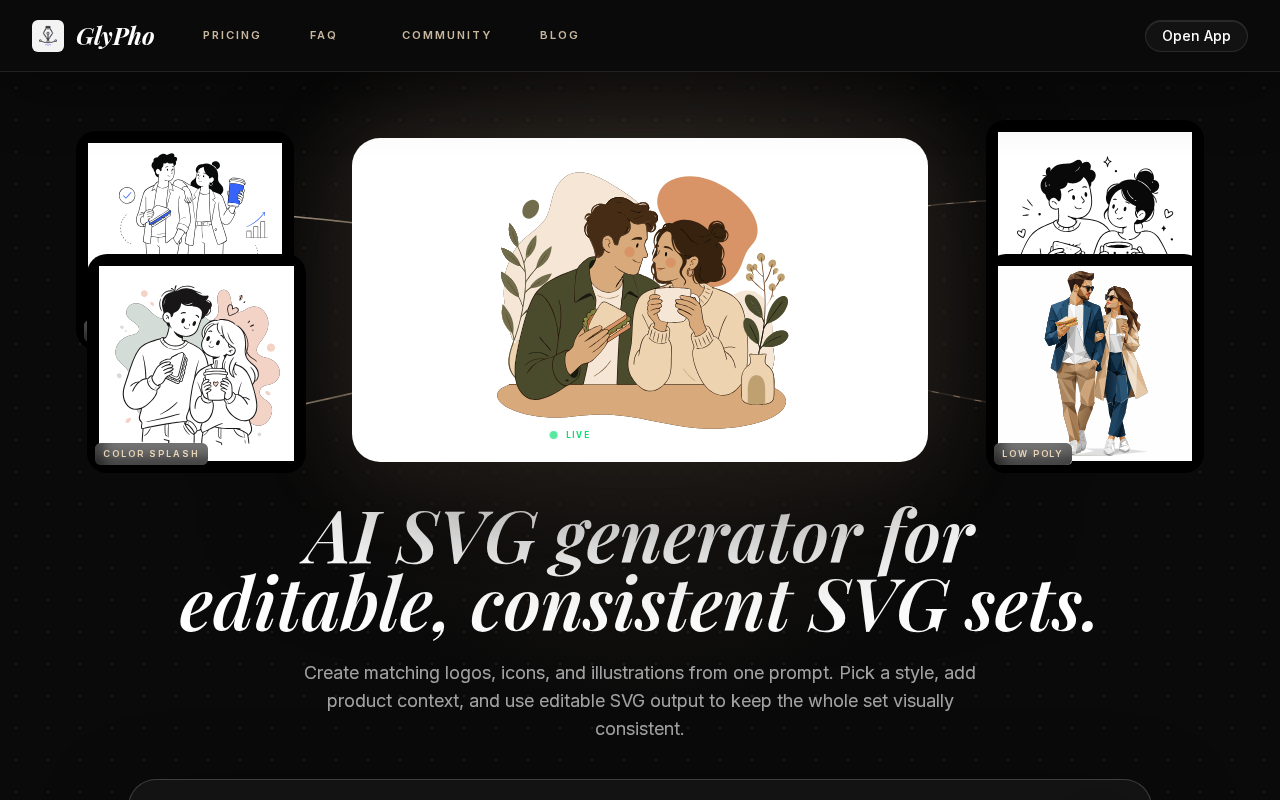
GlyPho is an AI-powered SVG generator designed for creators who need editable, consistent vector assets such as logos, icons, illustrations, and UI elements. Users can create entire SVG families from a single prompt by selecting a style preset that ensures visual consistency across all generated assets. The tool supports converting raster images (PNG, JPG, WebP) into scalable SVGs and offers features like SVG compression, export to multiple formats (PNG, JPG, DXF), and code conversion (HTML, JSX, React TSX). GlyPho allows users to keep SVGs editable for further customization and maintains a private library to reuse and share assets efficiently.
Best for
Key strengths
- • AI-powered SVG generation
- • Consistent visual style presets
- • Editable SVG output
- • Multi-format export options
Features & integrations
Features
- • AI-powered SVG generation
- • Consistent visual style presets
- • Editable SVG output
- • Multi-format export options
- • Create editable SVG sets from prompts
- • Convert PNG, JPG, WebP to SVG
- • SVG compression and optimization
- • Export SVG to PNG, JPG, DXF formats
- • Convert SVG to HTML, JSX, React TSX code
- • Reusable style presets for consistency
- • Private library for asset management
Platforms
Developer / API
API availability: No
Pricing
Starting price
USD 0
Model
FREEMIUM
Free plan / trial
No free plan · No trial
Free plan allows browsing public SVGs and generating initial directions. Pro plan costs $16/month billed yearly with 70 AI credits monthly, private library, commercial use, and community rewards. Business plan costs $48/month billed yearly with 250 AI credits monthly, team workflow, and priority support.
Reviews & AI Perspectives
0 human reviews · 0 AI Perspectives. Human ratings drive the public score. AI perspectives are labeled and excluded from ratings.
0 human reviews
5 star
0
4 star
0
3 star
0
2 star
0
1 star
0
Log in to write a human review.
Human reviews (0)
No approved human reviews yet.
Alternatives & tradeoffs
Pros
- + Generates consistent SVG families from one prompt
- + Editable SVGs for flexible customization
- + Supports multiple export formats
- + Private library to manage assets
Cons
- − No desktop or mobile apps
- − Limited integrations
- − Free plan has limited AI credits