Sejda PDF
PDF Tools
Date Listed: Apr 11, 2026
A comprehensive PDF editing and conversion toolkit available on web and desktop platforms, designed for teams and professionals.
Trust & quality signals
Overview
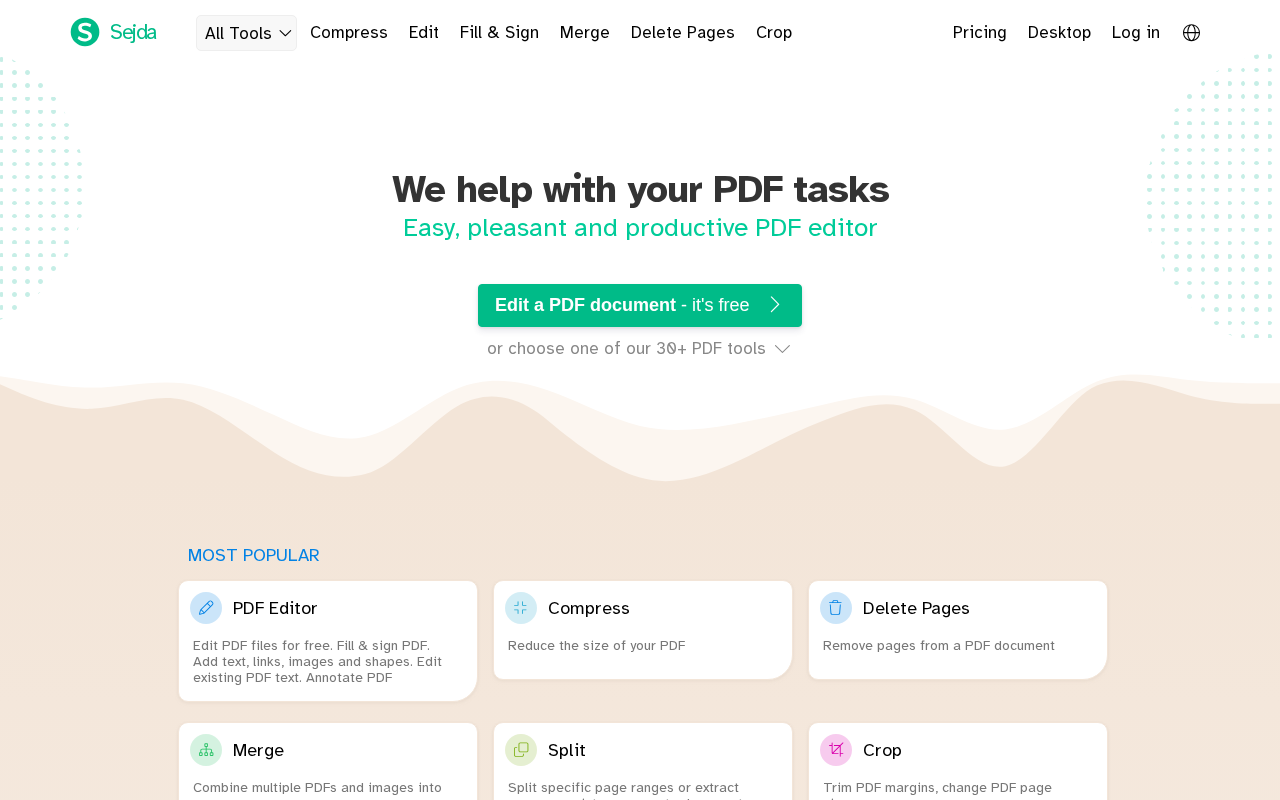
Sejda PDF offers a wide range of PDF editing and conversion tools accessible via web and desktop applications. It supports tasks such as editing text, merging, splitting, compressing, converting PDFs to various formats, and creating fillable forms. The tool is suitable for teams and professionals who need an efficient and versatile PDF solution with both free and paid plans to accommodate different usage levels.
Best for
Key strengths
- • web
- • desktop
- • productivity
Features & integrations
Features
- • web
- • desktop
- • productivity
Platforms
Developer / API
API availability: No
Pricing
Model
FREEMIUM
Free plan / trial
Free plan · No trial
Free plan available; paid plans unlock higher limits or advanced features.
Free
USD 0
Paid
Custom
Reviews & AI Perspectives
0 human reviews · 2 AI Perspectives. Human ratings drive the public score. AI perspectives are labeled and excluded from ratings.
0 human reviews
5 star
0
4 star
0
3 star
0
2 star
0
1 star
0
AI Perspectives (2)
Gemini AI Perspective
Sejda PDF provides a comprehensive toolkit for editing and converting documents across web and desktop platforms. Its strongest use case is efficient document management for professionals needing quick, accessible PDF modifications. While functional, the free plan imposes usage limits, requiring paid subscriptions for high-volume tasks or advanced feature access.
OpenAI AI Perspective
Sejda PDF offers a versatile PDF editing and conversion toolkit suitable for teams and professionals, available on web and desktop. Its strongest use case is comprehensive PDF management with a freemium model allowing basic use. A limitation is the moderate authority score, suggesting room for growth in community trust or feature depth.
Log in to write a human review.
Human reviews (0)
No approved human reviews yet.
Alternatives & tradeoffs
Pros
- + Useful for web
- + desktop
- + productivity
Cons
- − Free version has daily usage limits
- − Advanced features require a paid subscription
Alternatives
- • Adobe Acrobat; iLovePDF; PDF24 Tools