Master PDF Editor
PDF Tools
Date Listed: Apr 11, 2026
Master PDF Editor is a desktop application for editing PDF files, including form creation, text editing, and adding signatures, designed for professional and team use.
Trust & quality signals
Overview
Developed with YouTube
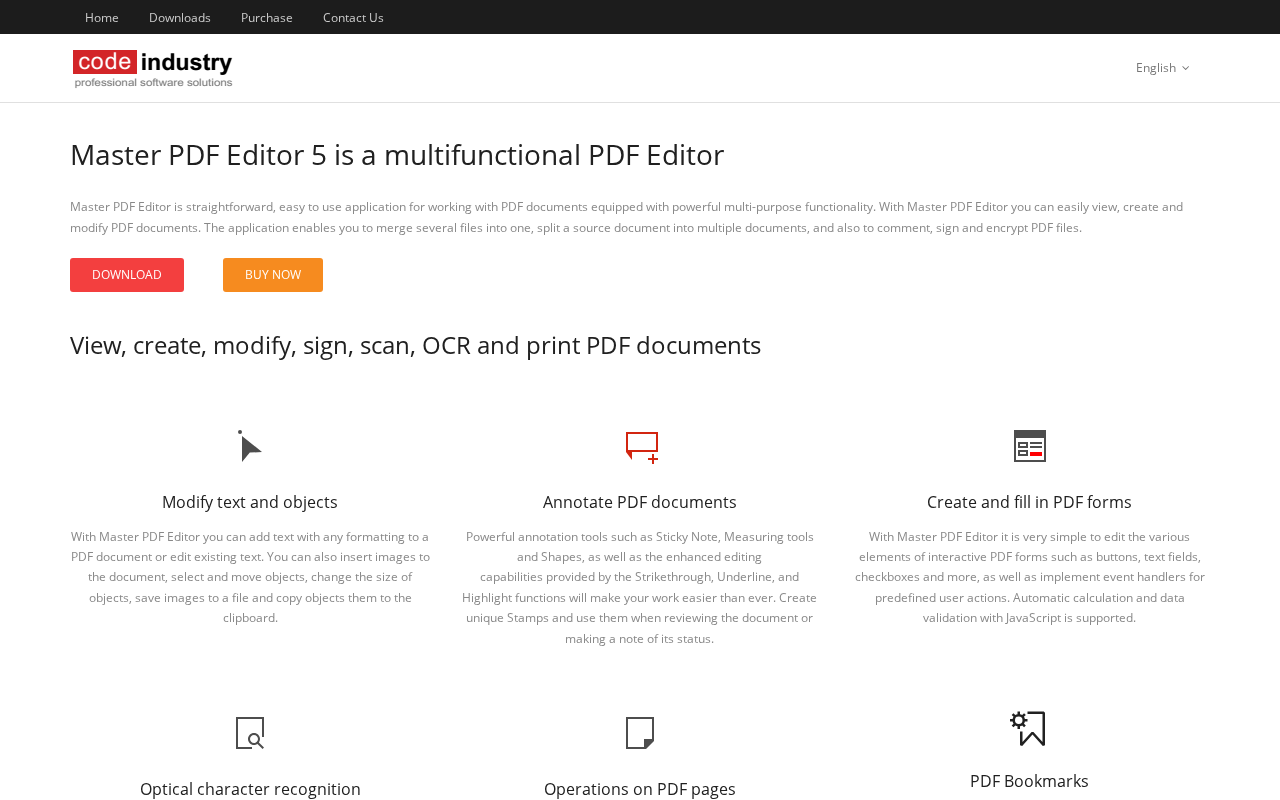
Master PDF Editor is a desktop PDF editing software that enables users to create and edit PDF forms, modify text, and apply digital signatures. It is suited for teams and professionals who require a robust tool for handling PDF documents on their desktop. The software supports various office productivity tasks and offers paid plans for full access, with some products providing trials or demos.
Best for
Key strengths
- • desktop
- • office
- • productivity
Features & integrations
Features
- • desktop
- • office
- • productivity
Platforms
Developer / API
API availability: No
Pricing
Model
PAID
Free plan / trial
No free plan · No trial
Paid plans required for full access; some products may offer trials or demos.
Paid
Custom
Reviews & AI Perspectives
0 human reviews · 2 AI Perspectives. Human ratings drive the public score. AI perspectives are labeled and excluded from ratings.
0 human reviews
5 star
0
4 star
0
3 star
0
2 star
0
1 star
0
AI Perspectives (2)
Gemini AI Perspective
Master PDF Editor is a desktop application designed for professional document management, offering tools for text editing, form creation, and digital signatures. It serves as a productivity solution for office environments. However, users should note that full functionality requires a paid license, and it lacks extensive third-party software integrations.
OpenAI AI Perspective
Master PDF Editor is a desktop tool focused on professional PDF editing, including form creation, text editing, and signature addition. Its strongest use case is comprehensive PDF manipulation for office productivity. A limitation is its paid pricing model, which may restrict access to full features. It has moderate community engagement with 131 GitHub stars.
Log in to write a human review.
Human reviews (0)
No approved human reviews yet.
Alternatives & tradeoffs
Pros
- + Useful for desktop
- + office
- + productivity
Cons
- − Paid access may be required for full features
Alternatives
- • Adobe Acrobat; iLovePDF; Sejda PDF