WPS PDF
PDF Tools
Date Listed: Apr 11, 2026
WPS PDF offers integrated PDF editing, conversion, and management tools within the WPS Office productivity suite, supporting multiple file formats and platforms.
Trust & quality signals
Overview
Developed with YouTube
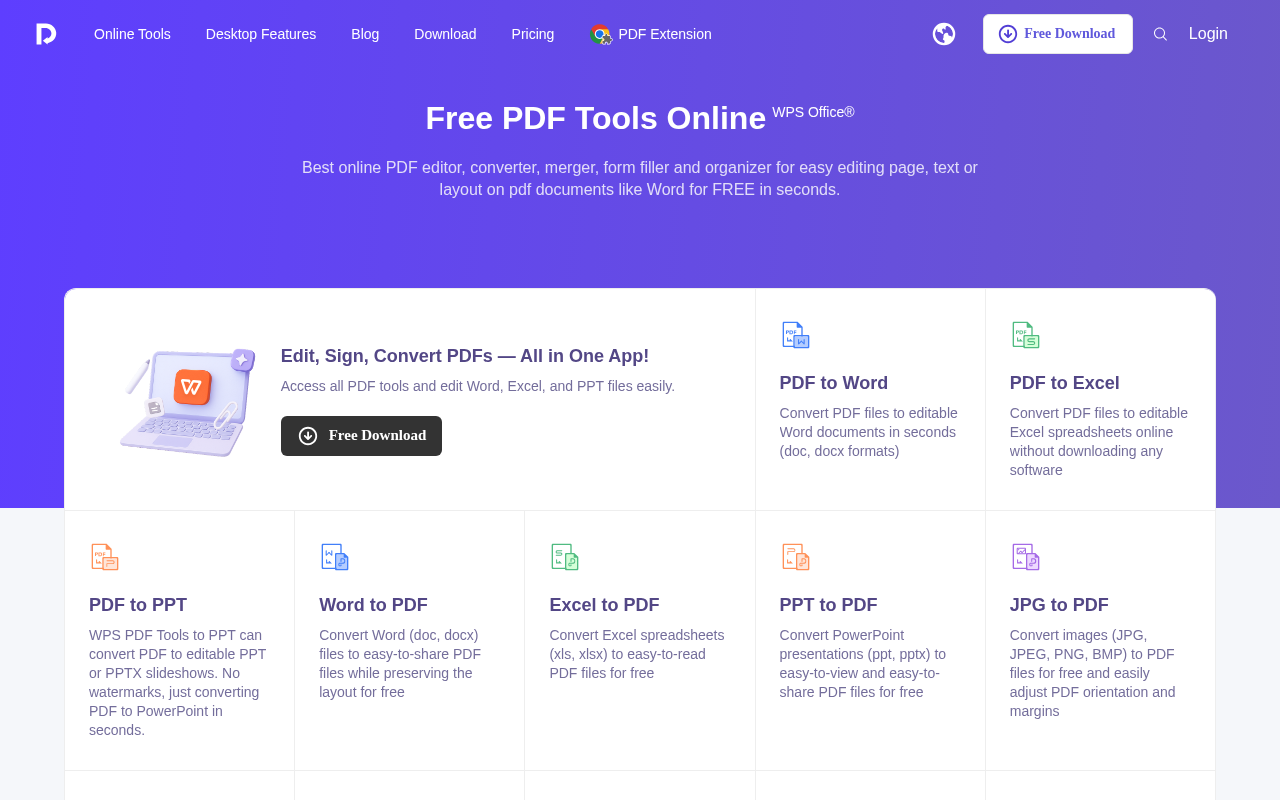
WPS PDF is a comprehensive online PDF tool integrated with the WPS Office suite, designed for users who need to edit, convert, merge, split, compress, sign, and organize PDF files efficiently. It supports various file formats including Word, Excel, PowerPoint, images, HTML, and XML, enabling seamless document workflows. Available on web and compatible with desktop and mobile platforms, WPS PDF provides both free and paid plans to accommodate different user needs, making it suitable for teams and professionals seeking versatile PDF solutions.
Best for
Key strengths
- • desktop
- • mobile
- • office
Features & integrations
Features
- • desktop
- • mobile
- • office
Platforms
Developer / API
API availability: No
Pricing
Starting price
USD 0
Model
FREEMIUM
Free plan / trial
Free plan · No trial
Free plan available; paid plans unlock higher limits or advanced features.
Free
USD 0
Paid
Custom
Reviews & AI Perspectives
0 human reviews · 2 AI Perspectives. Human ratings drive the public score. AI perspectives are labeled and excluded from ratings.
0 human reviews
5 star
0
4 star
0
3 star
0
2 star
0
1 star
0
AI Perspectives (2)
Gemini AI Perspective
WPS PDF provides integrated PDF editing, conversion, and management within the WPS Office suite. It supports cross-platform usage across desktop and mobile devices. Its strongest use case is streamlining document workflows for existing WPS users. However, advanced features and higher usage limits are restricted to the tool's paid subscription tiers.
OpenAI AI Perspective
WPS PDF integrates PDF editing, conversion, and management within the WPS Office suite, supporting multiple platforms and file formats. Its strongest use case is seamless PDF handling alongside office productivity tools. The freemium model offers basic features, but advanced capabilities require paid plans. Limited GitHub activity suggests moderate community engagement.
Log in to write a human review.
Human reviews (0)
No approved human reviews yet.
Alternatives & tradeoffs
Pros
- + Useful for desktop
- + mobile
- + office
Alternatives
- • Adobe Acrobat; iLovePDF; Sejda PDF